
More and more businesses are asking how much it costs to make their website accessible. The short answer: it depends on how the site was built. In this post I explain what accessibility means, who has to have it, what affects the cost, and when it makes more sense to build a new site.
What is an accessible website?
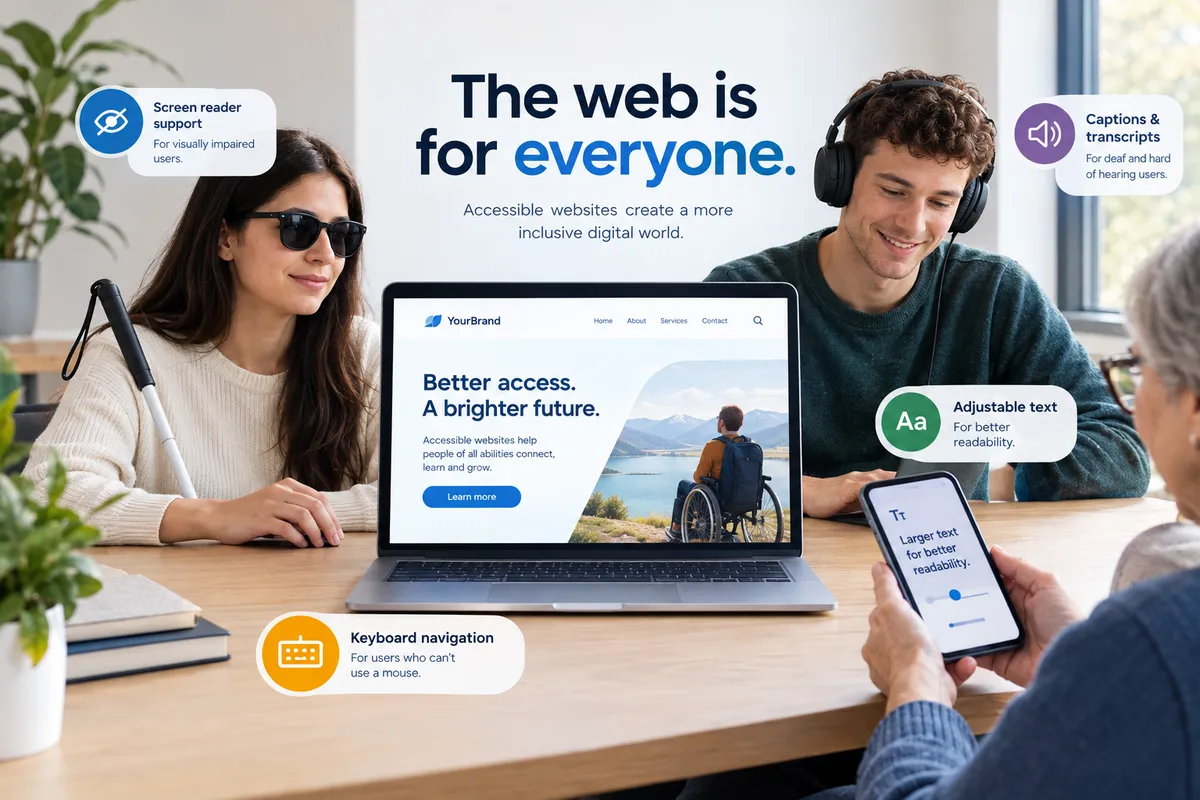
An accessible website can be used by everyone, including people with low vision, people who can’t use a mouse and people who browse with a screen reader. The international benchmark is WCAG 2.2 level AA. In practice it means, among other things:
- The whole site works with a keyboard alone.
- There is enough contrast between text and background.
- Images have descriptions, so screen readers can say what they show.
- Text can be enlarged without the page falling apart.
- Form fields have clear labels and error messages.
- Videos have captions.
Who has to have an accessible website?
In the UK, the Equality Act 2010 expects businesses to make reasonable adjustments for disabled customers, and that includes their website. Public sector websites have had to meet accessibility rules since 2018. Since 28 June 2025, the European Accessibility Act also covers certain products and services in the EU, such as online shops, banking and transport, so it matters if you sell to customers in the EU. The smallest microenterprises, with fewer than 10 staff, have some exemptions for their services.
Even if it isn’t required for your business, it pays off: more people can use your site, and Google understands it better. This isn’t legal advice, so if you’re unsure, ask a solicitor.
What affects the cost?
- How many pages the site has, and how many images, videos and documents are on it.
- How it was built: hand-coded, or on a ready-made theme and plugins.
- Whether it has forms, an online shop or a booking system, because these need the most work.
- Whether you need an accessibility statement describing how accessible the site is.
Fix the current site or build a new one?
If a site is built on a ready-made theme, for example a WordPress theme with lots of plugins, accessibility work often runs into the limits of the theme. In that case it is often simpler, and no more expensive, to build a new site that is accessible from the start. The “accessibility” widgets you see in the corner of some sites don’t solve this: adding a zoom button doesn’t make a site compliant.
How much does it cost with me?
An accessible build is an optional extra you can ask for with any new website. Its price depends on the size of the site and is listed separately in your quote, so you always see exactly what it costs. My own site scores 100/100 on Google’s accessibility check, and it has an accessibility toolbar too (text size, contrast, dyslexia-friendly font, reduced motion). See the extras on the Pricing page, or read my site’s accessibility statement.
If you already have a website, let’s first see where it stands. After the free check, I’ll tell you which is the quicker and more affordable route in your case.